Våra spelare
Två sätt att titta på din egen leverantörs innehåll. Välj det som passar dig — webbläsarens Webbspelare eller Android TV-appen.
NextGen Webbspelare
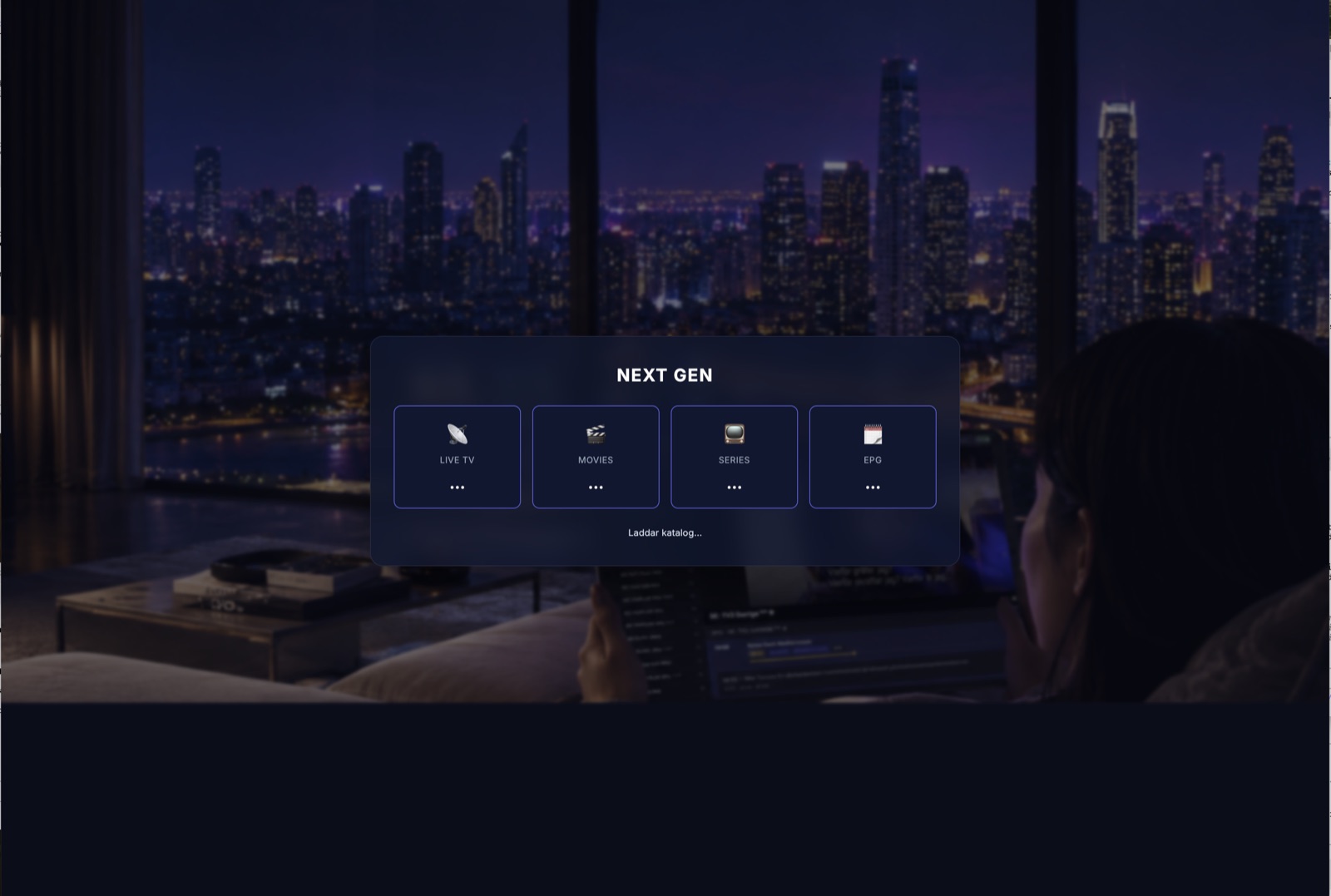
Inget att installera — öppna i Chrome, Edge, Firefox eller Safari och börja titta, på datorn, surfplattan eller en smart-TV-webbläsare.
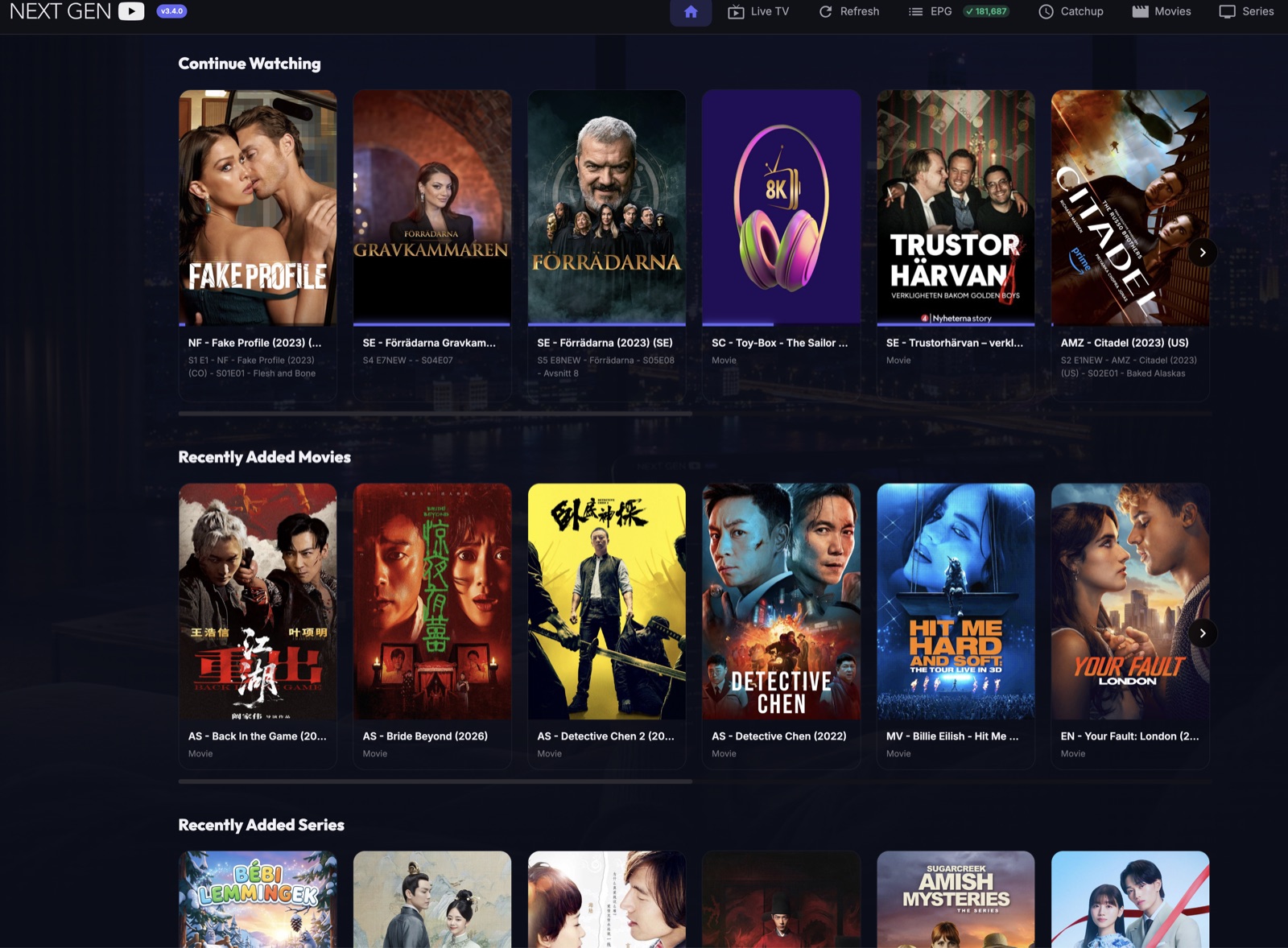
Hem — fortsätt där du slutade
Din personliga startskärm med "Fortsätt titta" plus de senast tillagda filmerna och serierna — fortsätt exakt där du slutade, på valfri enhet.
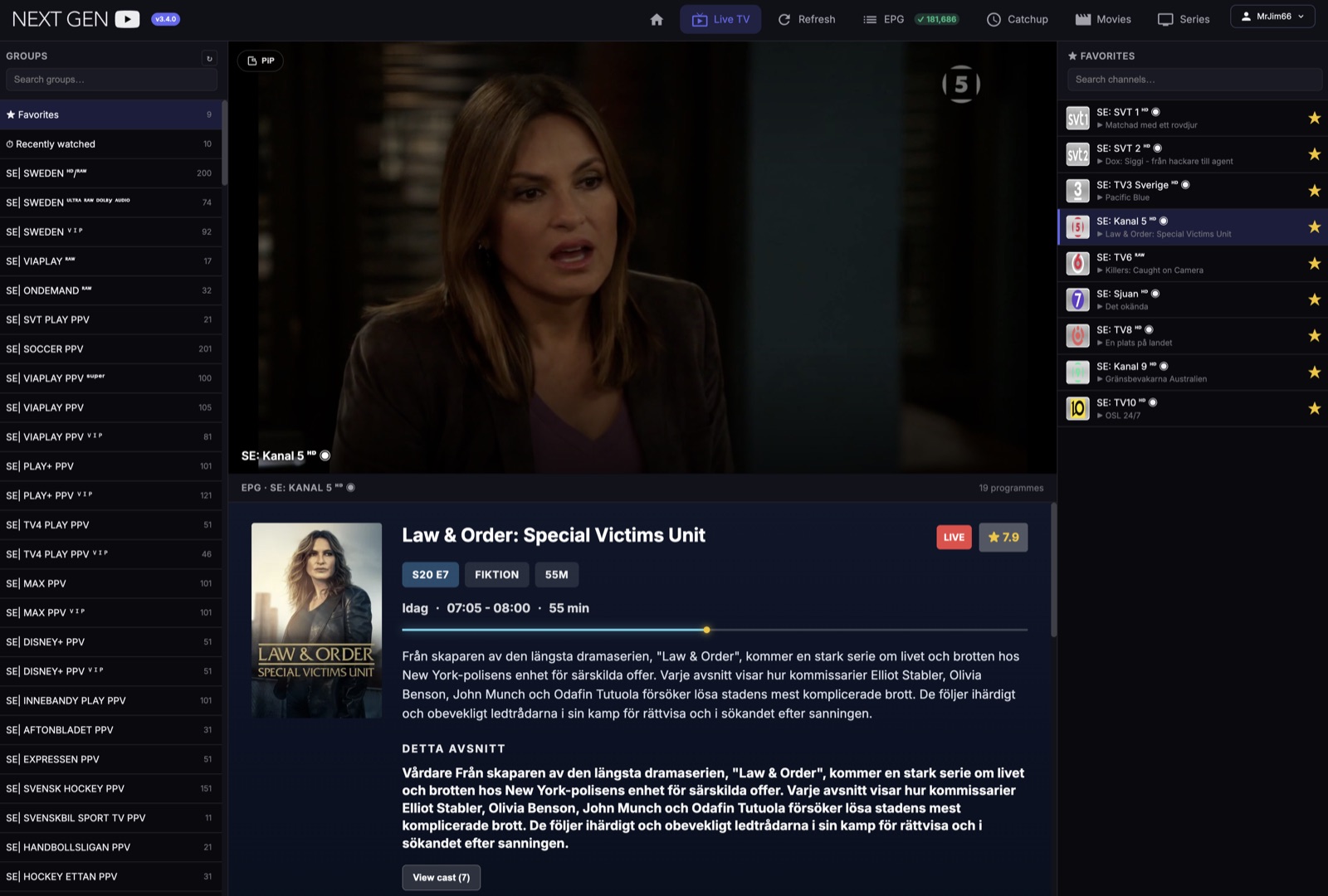
Live TV med favoriter & PiP
Bläddra bland kanalgrupper, markera favoriter, se vad som sänds just nu och fortsätt titta i Picture-in-Picture medan du utforskar resten av utbudet.
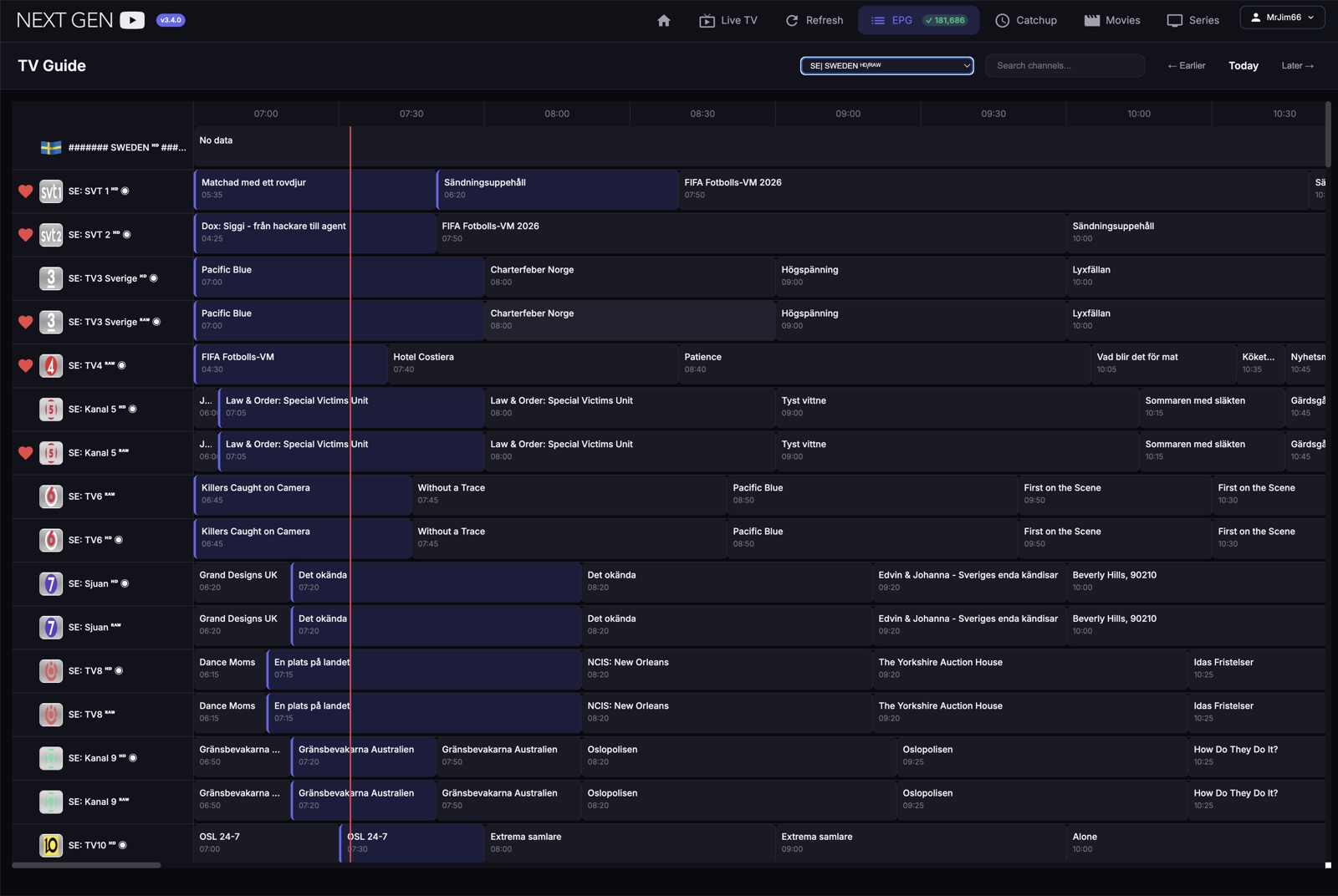
Komplett TV-guide (EPG)
En komplett programguide med en tydlig tidslinje över alla dina kanaler och över 181 000 program — se vad som går nu och senare med en blick.
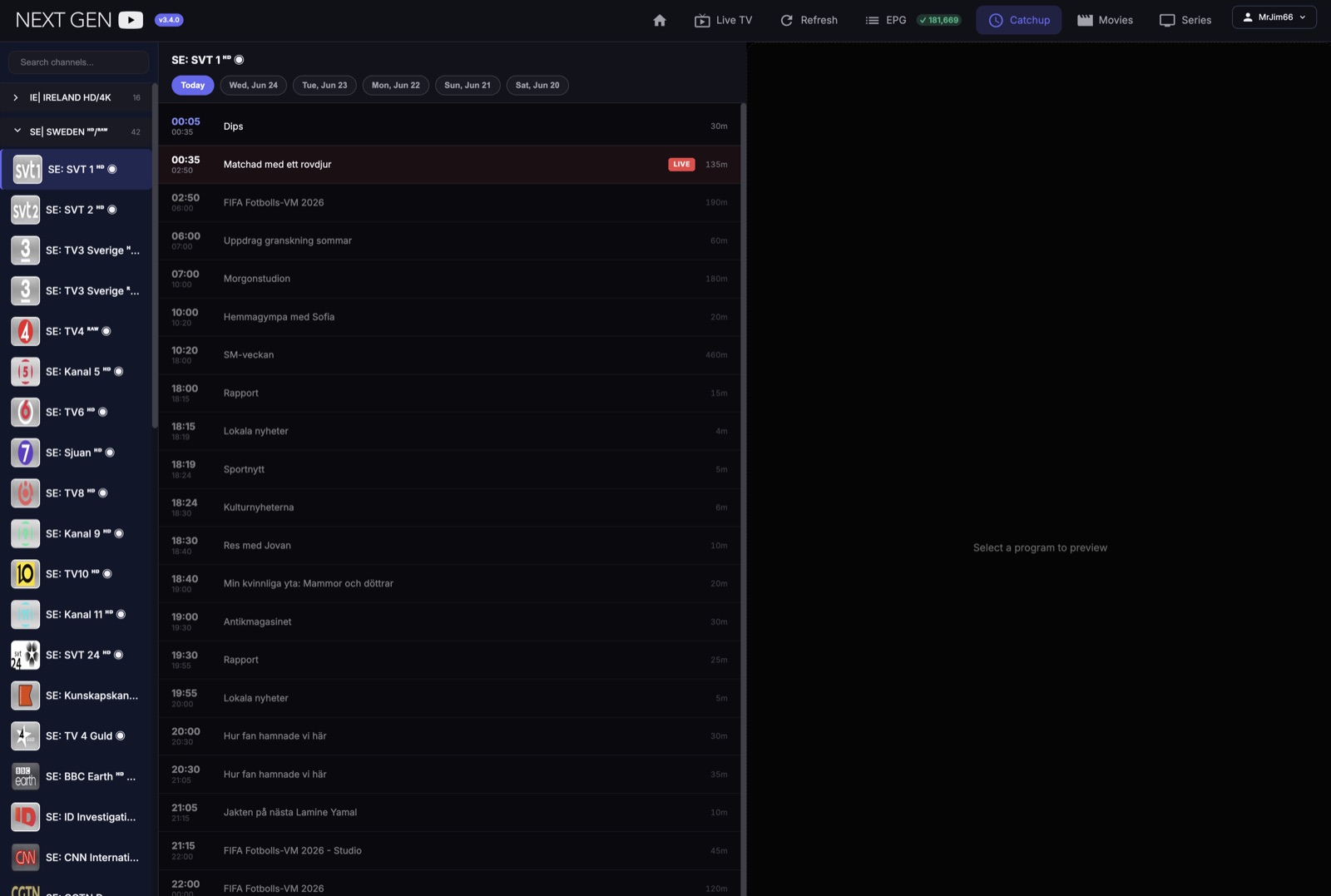
Catch-up — missa aldrig ett program
Missade du ett program? Bläddra bakåt de senaste dagarna per kanal och spela upp när du vill.
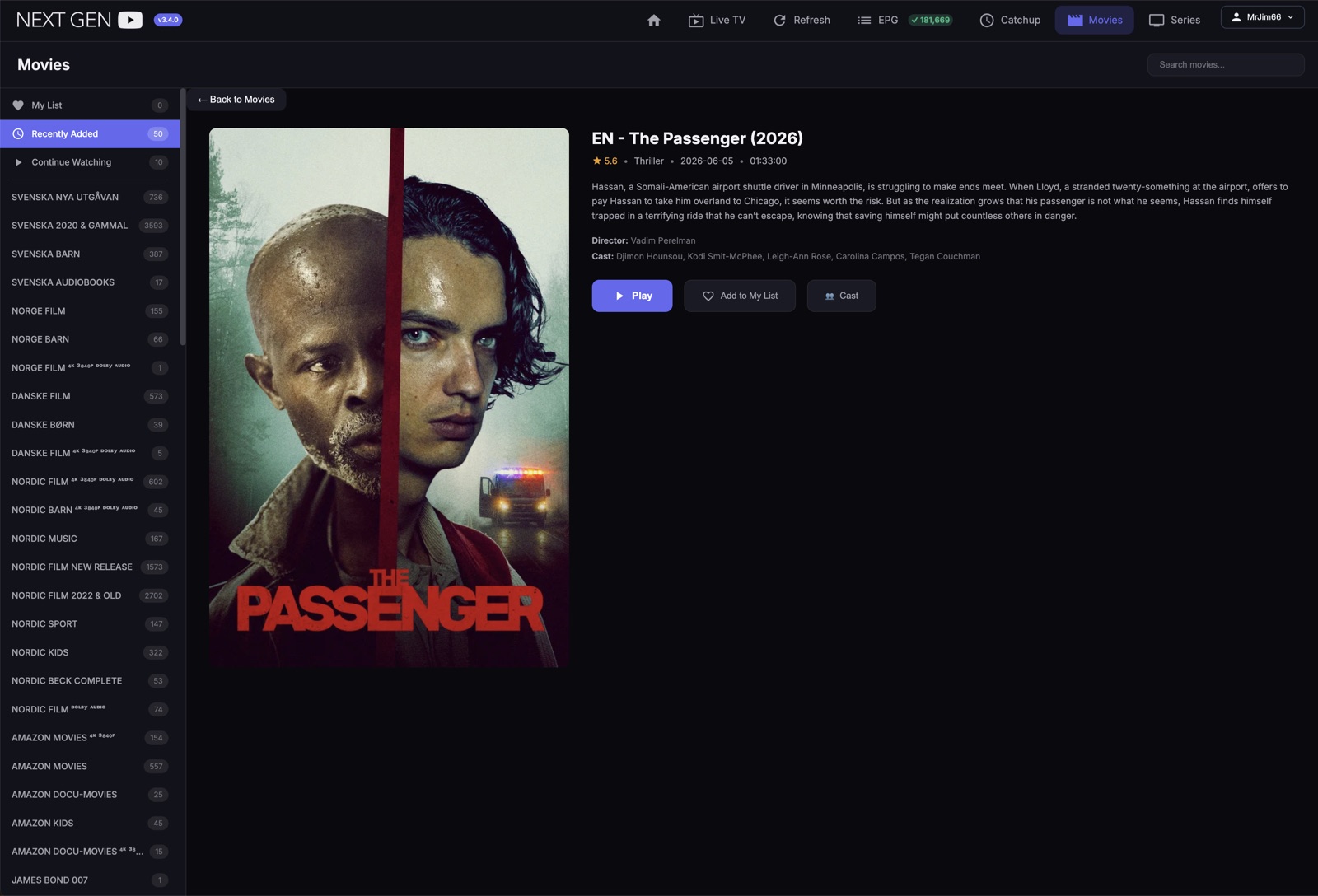
Ett enormt filmbibliotek
Tusentals filmer i tydliga kategorier, alla med omslag, betyg, beskrivning, hela rollistan och din egen "Min lista".
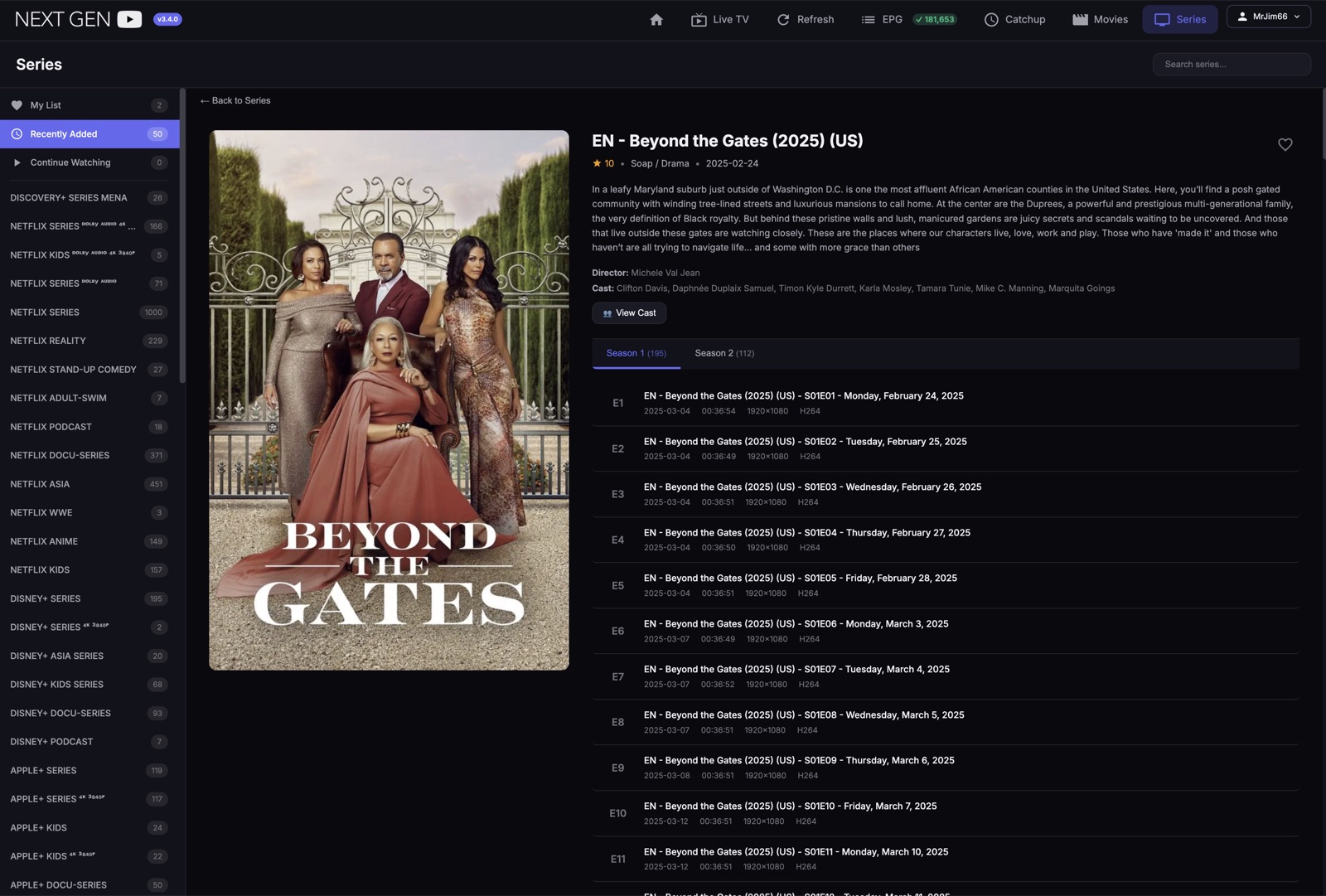
Serier med säsonger & avsnitt
Varje serie organiserad per säsong och avsnitt, med beskrivningar, rollista och din tittarhistorik synkad.
Enheter som kan köra webbspelaren
Kom igång med Webbspelaren
Prova alla funktioner gratis i 72 timmar innan du bestämmer dig. Ingen app att installera — den körs direkt i webbläsaren.
- Starta ditt gratistest — registrera dig på under en minut.
- Öppna Webbspelaren och logga in med ditt konto.
- Koppla din egen leverantör (din IPTV-inloggning).
- Börja titta — Live TV, filmer, serier, EPG och catch-up.
Webbspelarens priser
Börja gratis i 72 timmar och välj sedan medlemskapet som passar dig. Se aktuella planer och priser i butiken.
NextGen Android-app
Optimerad för Google-certifierade Android TV-boxar — snabb katalog, Live TV, EPG och catch-up, byggd för vardagsrummet och fjärrkontrollen. 30 dagar gratis. Du installerar den på din box med gratis Downloader -appen — se stegen nedan.
🎁 Registrera dig för att aktivera din kostnadsfria applicens. Utan konto slutar appen fungera efter 30 dagar.
Enheter som kan köra Android-appen
📵 Android-telefoner rekommenderas inte just nu — använd en Google-certifierad box eller en surfplatta.
Så installerar du Android-appen
Igång på fyra steg.

- Öppna Downloader och ange koden 5629772. Tillåt installation från okända källor när boxen frågar (Inställningar → Säkerhet / Appar).
- Installera appen och svara Tillåt / Godkänn på varje fråga.
- Logga in med ditt NextGen-konto och koppla din egen leverantör — redo att titta.
- Om du är kund hos någon av de premiumleverantörer som listas i appen, välj din premiumleverantör och ange användarnamn och lösenord för det kontot.
- Välj annars manuell inloggning och ange server, användarnamn och lösenord.
Android-appens priser
30 dagar ingår med appen. Se aktuella planer och priser i butiken.